mirror of
https://github.com/Paillat-dev/presentator.git
synced 2026-01-02 01:06:20 +00:00

3.1 KiB
3.1 KiB
Presentator
A Discord bot that generates FULL powerpoints about a given subject thanks to openai's gpt3.

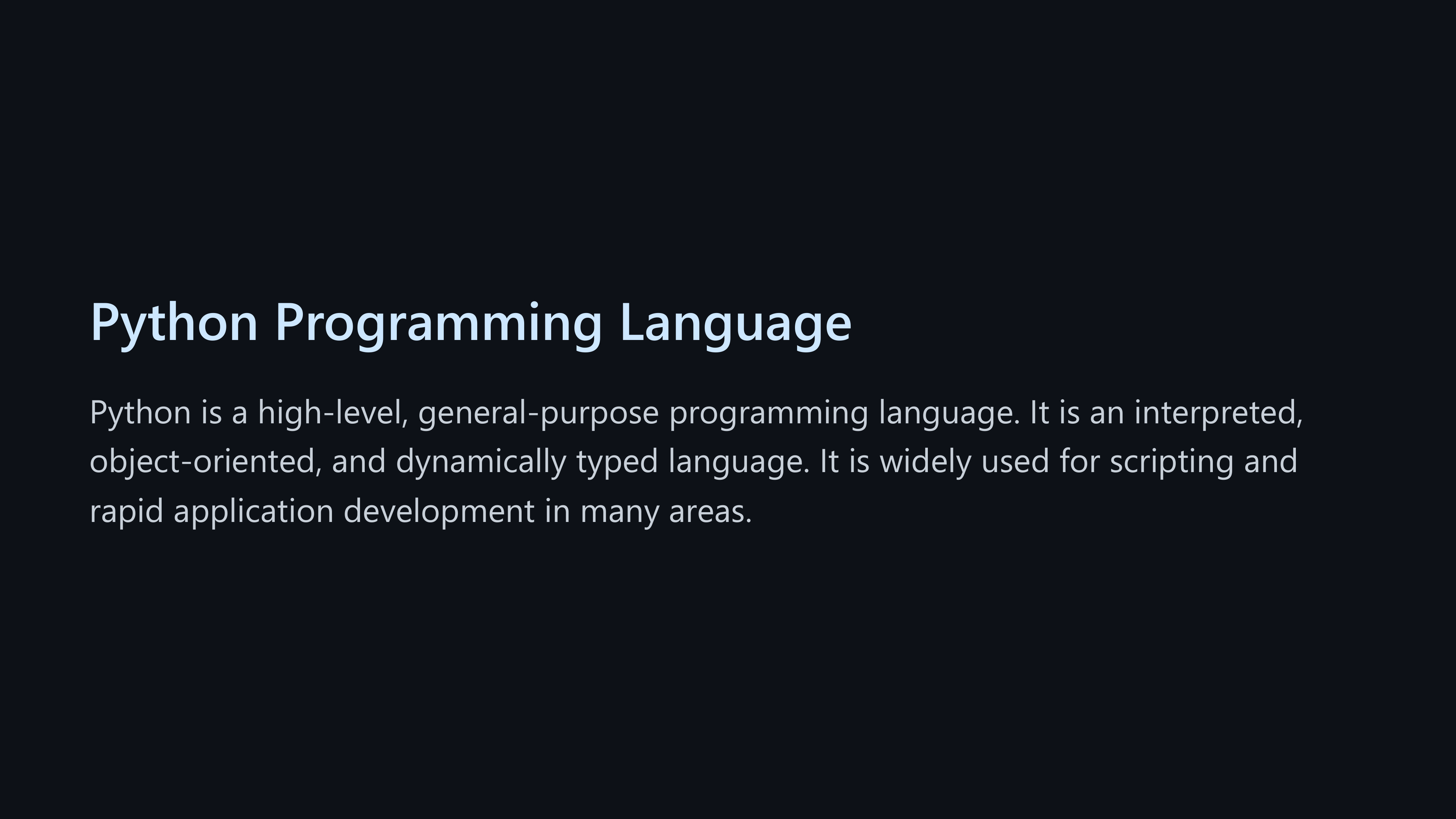
How it works
- The bot sends a request to the openai api with the given subject and indications in the marp markdown format
- We extract the images from the markdown and send them to the image generation api
- We generate the pdf and html files from the markdown
- We send the pdf and html files to the user
How to install
IMPORTANT Linux and MacOS installation isn't documented yet, if anyone wanths to complete it, feel free to do a pull request.
Requirements
- Python 3.8
- Pip
- A Discord bot token
- An openai api key
- (Optional) An Nvidia GPU (for local image generation)
Installation
- Clone the repository
- Install the requirements with
pip install -r requirements.txt - Install scoop (if not alredy installed) by typing the following commands:
Set-ExecutionPolicy RemoteSigned -Scope CurrentUser
irm get.scoop.sh | iex
- Install marp by doing
scoop install marp
- Restart your computer
- Create a file named
key.envand put your openai api key in it - Create a file named
token.envand put your discord bot token in it - In the main.py file, at the first line, enable or disable the image generation (by default it's disabled)
# Enable or disable image generation
use_images = False
Image generation (optional)
With Stable Diffusion UI (powerful gpu option)
- Install Stable Diffusion UI and switch to the
betabranch. - Copy the
./image_gen_api/main.pyfile to thestable-diffusion-uifolder - Open the file called
Dev Console.cmdin thestable-diffusion-uifolder and run the following commands:
pip install uvicorn
pip install fastapi
- In the file
main.py, at the first line, enable or disable thesdimage generation.
With DALL·E 2 (costs dalle credits)
- In the file
main.py, at the first line, enable or disable the dalle image generation.
Running
- Run the
main.pyfile with :
python main.py
Local image generation (optional, only if you use the local image generation option)
- Open the file called
Dev Console.cmdin thestable-diffusion-uifolder and run the following commands:
uvicorn main:app --reload
Commands
-
/present: Generates a pdf presentation about the given subjectOptions:
subject: The subject of the presentationlanguage: The language of the presentation (default:english)style: The style of the presentation (default:default)indications: Some more instructions about how the presentation should be generated (default:None)
-
/list: Lists all of your presentations -
/get: Gets a presentation by its id another time
Help
You can join our discord server if you need help https://discord.gg/pB6hXtUeDv
Have fun!